Home >
 Knowledge Base >
 FAQs >
 Downloads >
How is firmware updated on the PDMM?
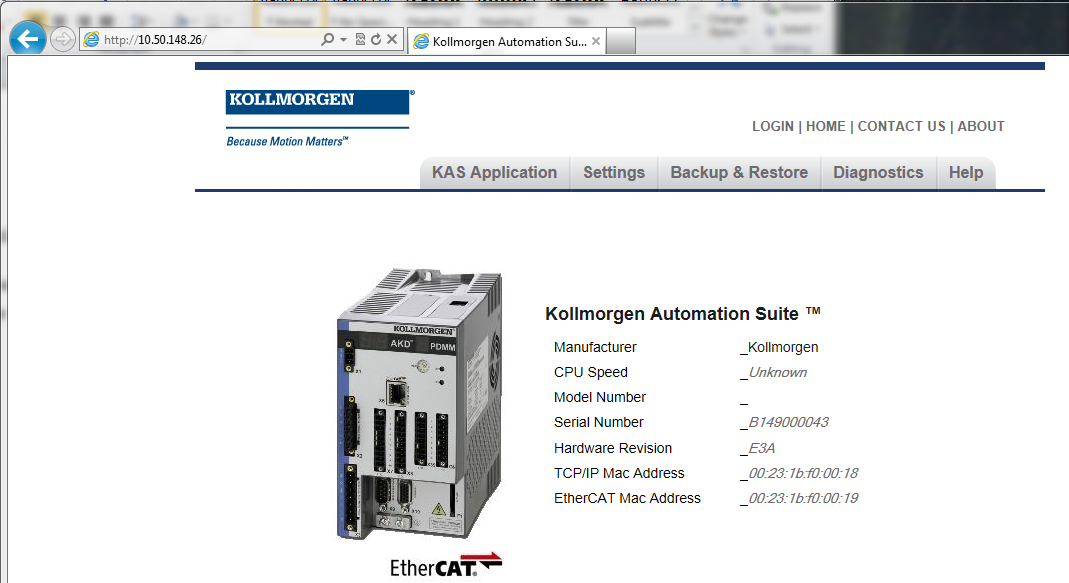
The controller firmware is updated through a web server. On power up of the PDMM the IP address of the controller will be displayed on the unit. Open a web browser such as Internet Explorer and enter the IP address. In the screen print below the IP address is 10.50.148.26.
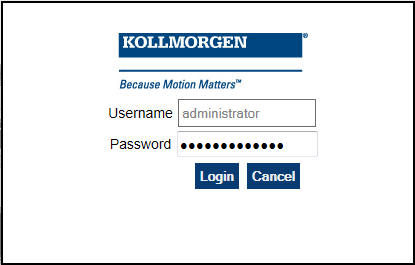
Select “LOGIN” enter the user name and password, both are administrator. Select “Login”
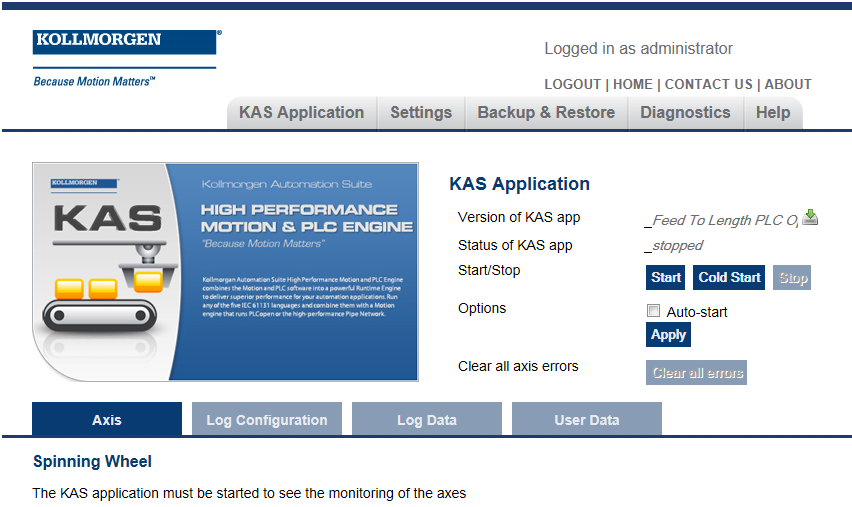
Select the KAS Application tab to confirm that the scan is stopped. If the scan is not stopped select the “Stop” button.
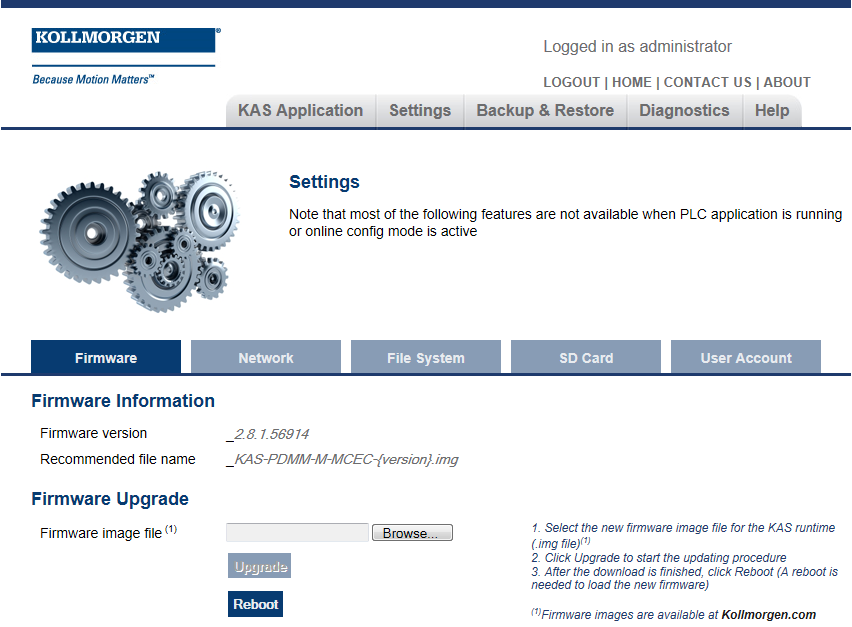
Select the Settings tab. Select the browse button and follow the instructions to the right of the browse button.