Home >
 Knowledge Base >
 FAQs >
 Downloads >
PDMM T-BOT Control
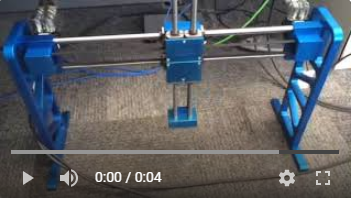
The attached is a sample.kas project and video showing the PDMM running a 2 axis T-bot mechanism. The T-bot control algorithm was created by adding additional virtual axes to the project and using them in a master/slave configuration to get the T-Bot to move orthogonal, with X and Z axis motions. The motion in this program moves the T-Bot's X axis, then Z axis, then X axis, then Z Axis in a repeating rectangular fashion.
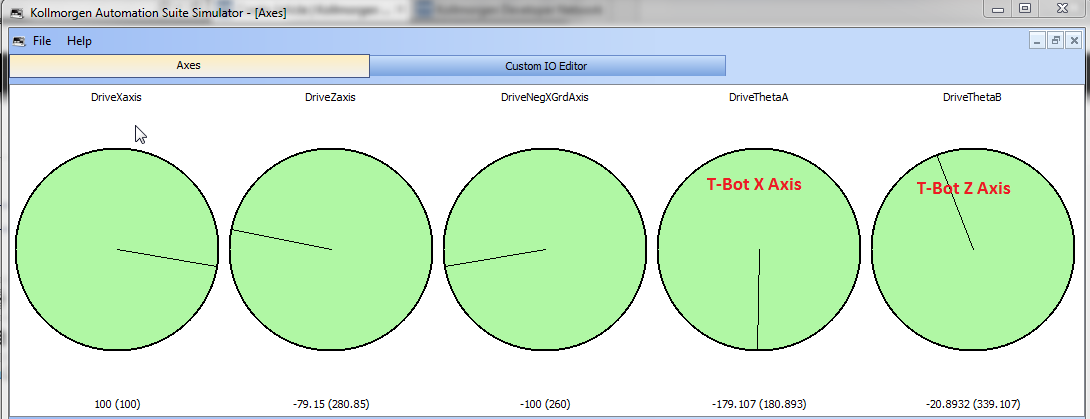
The program can be operated using the KAS/IDE simulator:
- After loading the program in the IDE click on the simulator button and download the project to the simulator
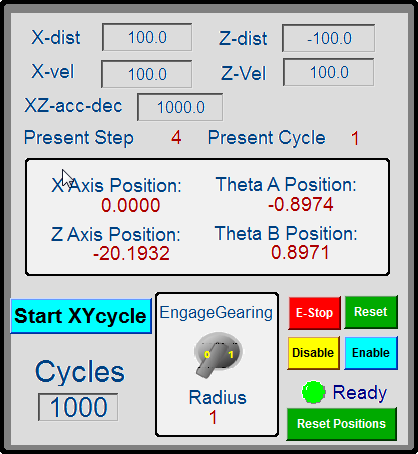
- Start the project from the IDE. Click the buttons in the Control Panel (shown below) in the following order : Enable, Reset Position, Engage Gearing, and Start XY Cycle button
- To Stop, click on E-Stop Button
- To Restart, click the buttons in the following order : Reset, Enable, Engage Gearing, and Start XY Cycle button
Control Panel in the Project:
Motion code can be found in the project in the Main Program. Here is a video showing operation: