Home >
 Knowledge Base >
 FAQs >
 Downloads >
KAS Program Example: Switch Cam Profile On-The-Fly
This is an example of switching a cam profile from a 5th order polynomial profile to a parabolic curve. The program contains the code needed to switch the cam profile on the fly from a polynomial motion curve to a parabolic (constant acceleration) curve. The article discusses how to use the program, which you can find attached.
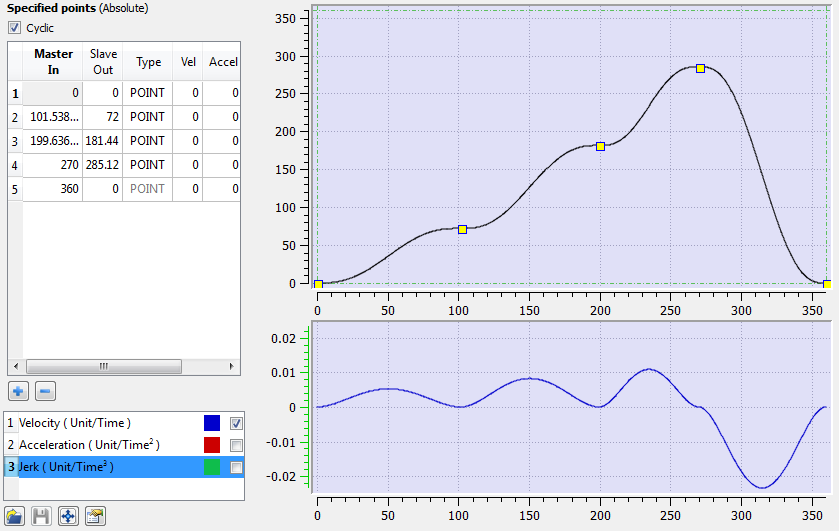
- Open the KAS file and update the Controller to be used on your system. This is the cam profile we're going to run.
- Connect to the controller, and compile and build the application.
- Start the application:
- Press the Start Device button on the toolbar.

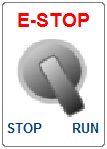
- Move the Control Panel switch to RUN.
- Press the Start Device button on the toolbar.
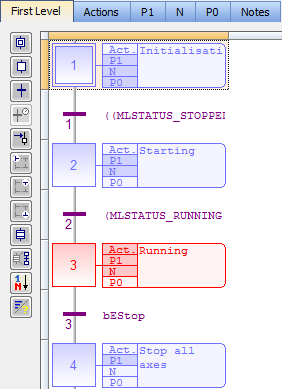
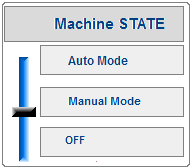
- Once the application is running at level 3, move the machine state to Manual Mode.
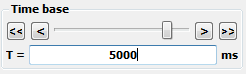
- Go to the Oscilloscope, click Start, and set the Time base to 5000.
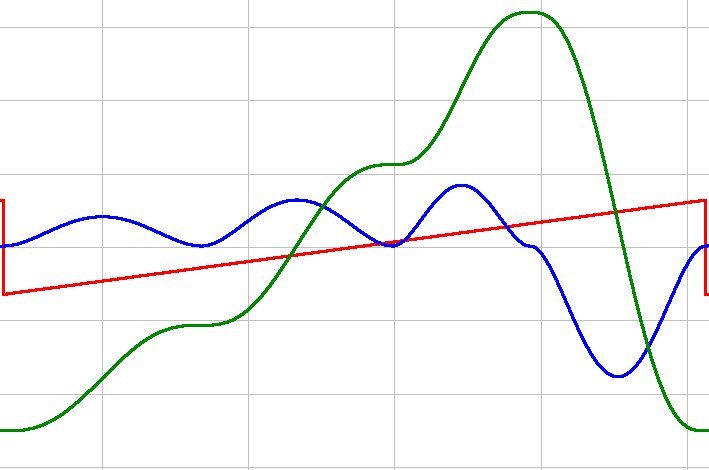
- Watch one complete 5th order polynomial cycle complete.
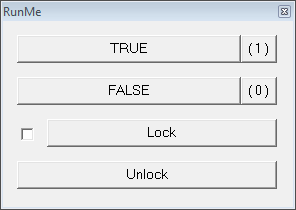
- In the Dictionary, toggle the RunMe variable (found in Main) to TRUE.
- Watch the cam profile change in the scope, once the current profile is complete.
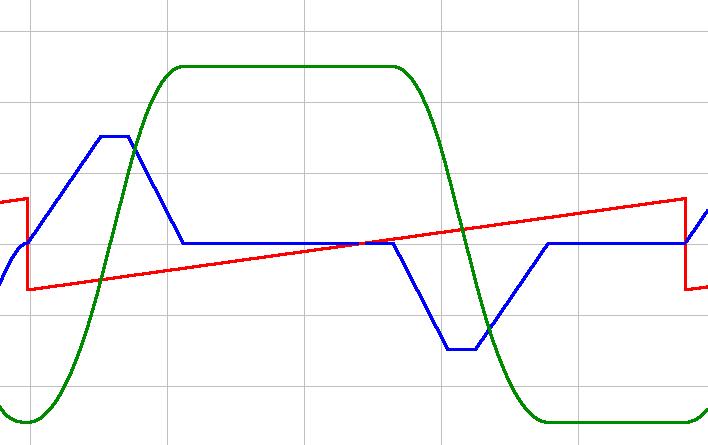
We can clearly see the switch from the 5th Order Polynomial profile to the Parabolic Curve profile in the following image. Once the switch is made we have constant acceleration.
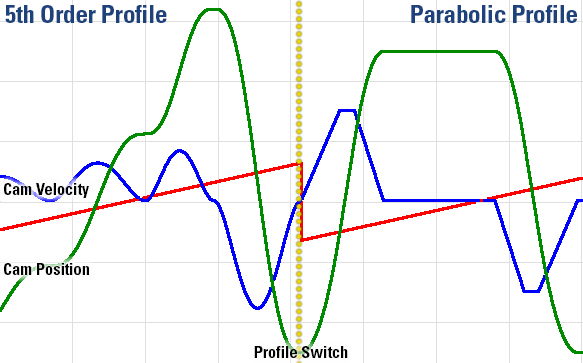
Important items for creating a smooth profile transition:
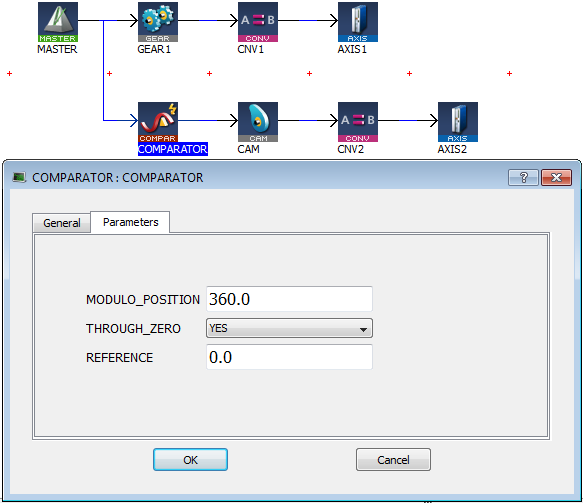
Use a Comparator before the Cam block. This ensures that both profiles begin and end at 0. If this were not so, there would be a significant jerk.