


AKD BASIC Setup
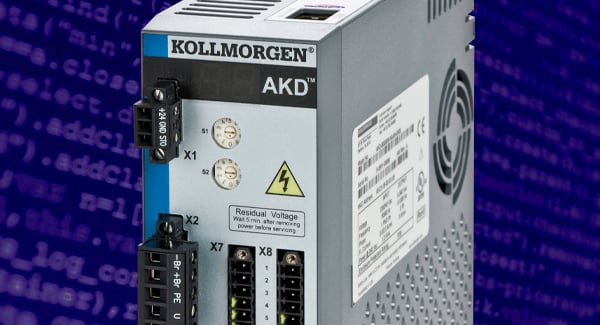
The AKD BASIC drive is easy to program using the Beginners All-Purpose Symbolic Instruction Code programming language, or BASIC. In this session we will demonstrate how our WorkBench software allows for easy programming, testing and verification of BASIC programs. Additionally, you will learn how to set up and prepare an AKD BASIC drive using the terminal screen.
Topics covered:
- Taxonomy for the trajectory generator, allowing you to create motion
- Strategies for using key motion commands and when they should be utilized
- The rationale behind loops to create motion automation decisions
- How to execute motion
AKD BASIC Advanced Programming Loops
Building from the AKD BASIC Setup course, this session covers core loops: If…Then…Else, For…Next, and Select…Case. This session will focus on how to embed a loop into a larger routine, use When statements, and program an interrupt.
You'll learn how to implement:
- Strategies to embed loops within loops
- Techniques for creating complex motion
- Procedures to interrupt or leave a loop
About the Presenter(s)

Joshua is an application engineer who works with customers in robotics, industrial automation, aerospace & defense and other industries. With a comprehensive understanding of the technologies and products Kollmorgen offers, he excels at helping customers develop complete solutions on a system-by-system basis, analyzing motor and drive choices to achieve optimum efficiency, performance, manufacturability and cost depending on the specific application requirements. Joshua holds a bachelor’s degree in mechanical engineering, with a concentration in robotics and mechatronics, from Virginia Tech.