Home >
 Knowledge Base >
 FAQs >
 Downloads >
PxMM: Sending and Receiving Variable values via UDP
The udpSendToVar and udpRcvFromVar functions (starting in soon to be released KAS version 2.11)can be use to read and write variables via UDP to and from a PxMM. The other device can be a PDMM or a third party device. In this example, for ease of testing, data was sent back to the same PDMM with Address 10.8.41.45 using UDP port # 20.
The attached project can be run in a single PDMM and shows the 2 way communications.
Send Program in the project: UDP_Send
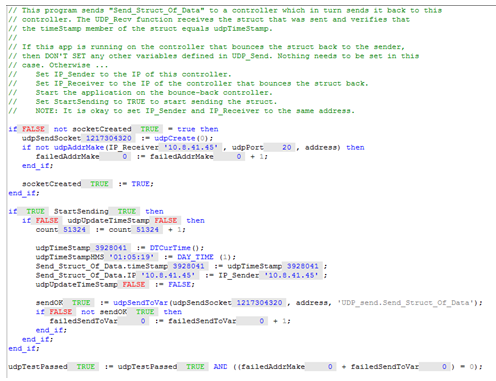
Receive Program in the project: UDP_Receive

To run the program change the IP address in the dictionary to the IP address of the PDMM. Example:
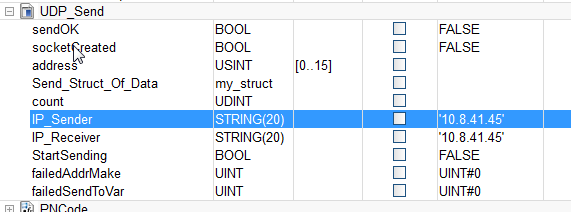
After starting the project from the IDE , to start the data transfer: Set StartSending = TRUE:
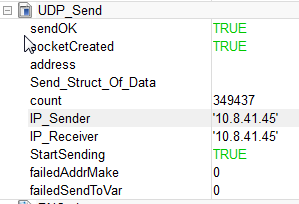
The sent data is in the Data Structure is called : Send_Struct_OfData
The received data is in the Data Structure is called : Received_Struct_OfData
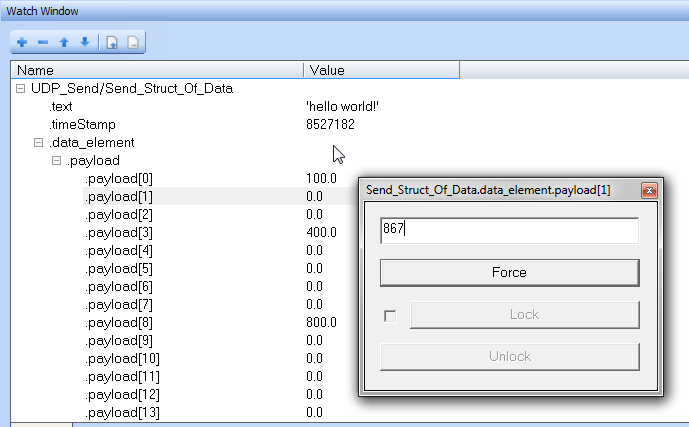
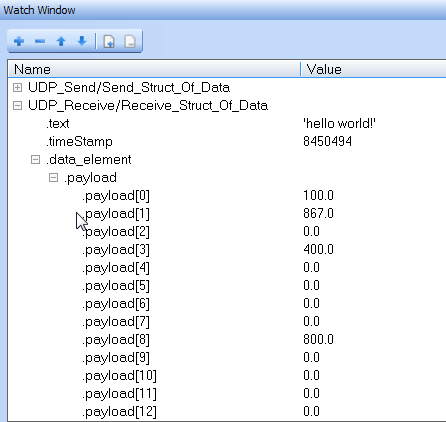
To test, the data sent can be viewed and changed in the Watch Window of the attached project:
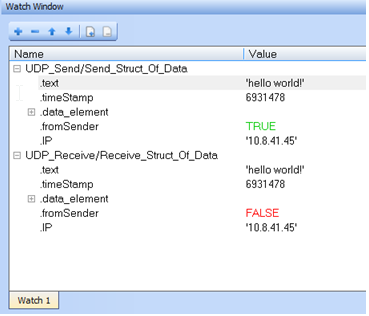
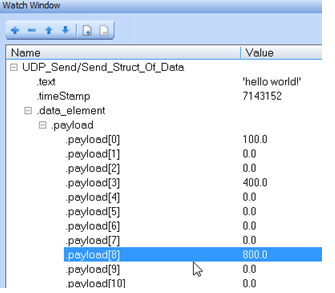
Sent Data expanded:
Received Data expanded:
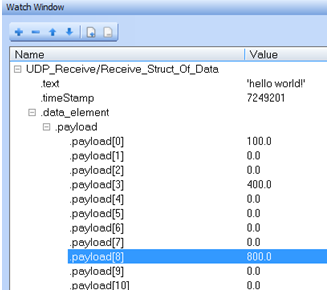
The IDE Watch window can be used to change data values in the Send_Struct_of_Data and then observed in the Received_Struct_of_Data