Home >
 Knowledge Base >
 FAQs >
 Downloads >
Create a New Template in KVB
To create a a new template in KVB do the following:
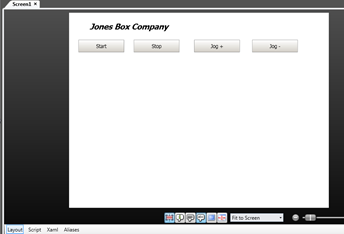
- First create the template content by adding a new blank screen to the project. Then insert the controls and other graphics that need to be on the template. Here is an example of a Template with 4 Buttons:
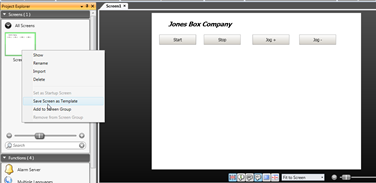
- To then save as a template, right click on the screen on the Screens window and select: “ Save Screen as Template “
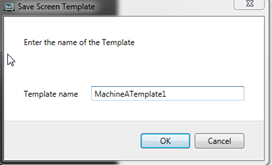
Give it a name:
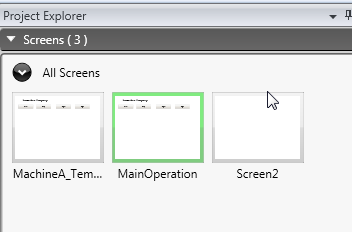
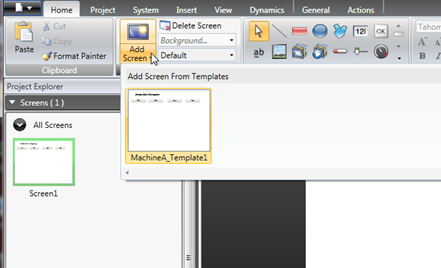
3. Then to use the template, go to the top ribbon “Add Screen” button and select the template:
And give it a unique screen name (different from the already created ones). Example "Main Operation":