Home >
 Knowledge Base >
 FAQs >
 Downloads >
Changing Screens on the AKI Using a Modbus Register Value
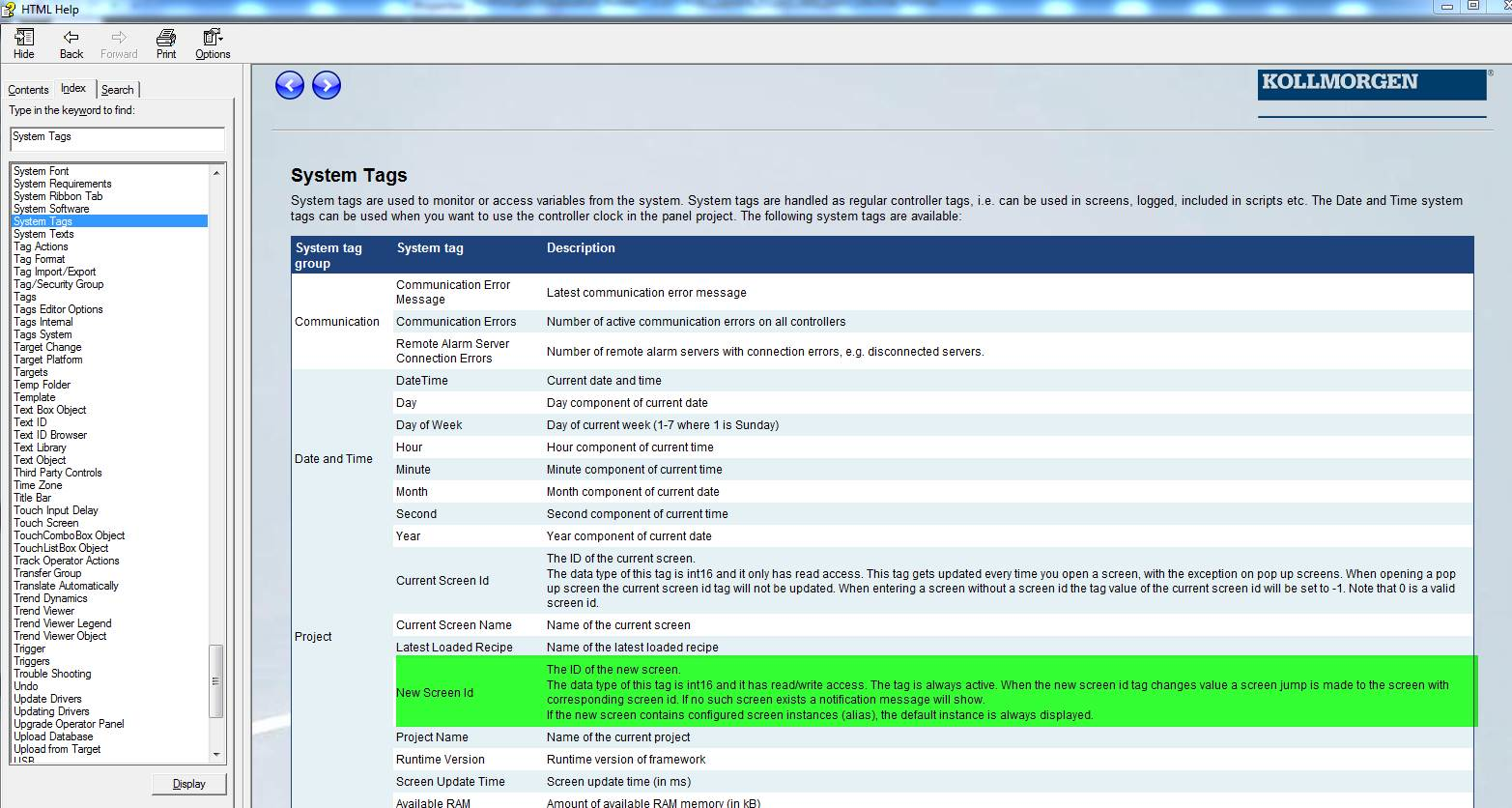
From the Kollmorgen Visualization Builder under the list of System Tags there is a tag called New Screen ID and its definition.
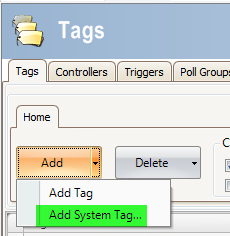
If you click Add->System Tag in the Tag list, you can assign your desired Modbus address to it. The one shown is the one I used just for testing purpose so I could change the value using USER.INT1 in Workbench Terminal. Change it to the one you need for your case.

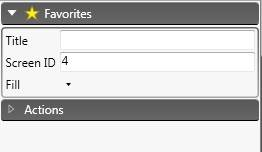
You’ll have to click on properties of each screen and assign each a Screen ID.
For example:
Note you will get an error if your Modbus register value is a Screen ID number that does not exist.