Home >
 Knowledge Base >
 FAQs >
 Downloads >
How can I access the HMI (AKI) service menu?
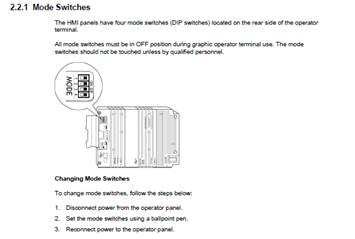
The previous AKI-CDT-MOD-xxxx models have hardware switches to access the various modes and service menu. This is documented in the installation manuals:
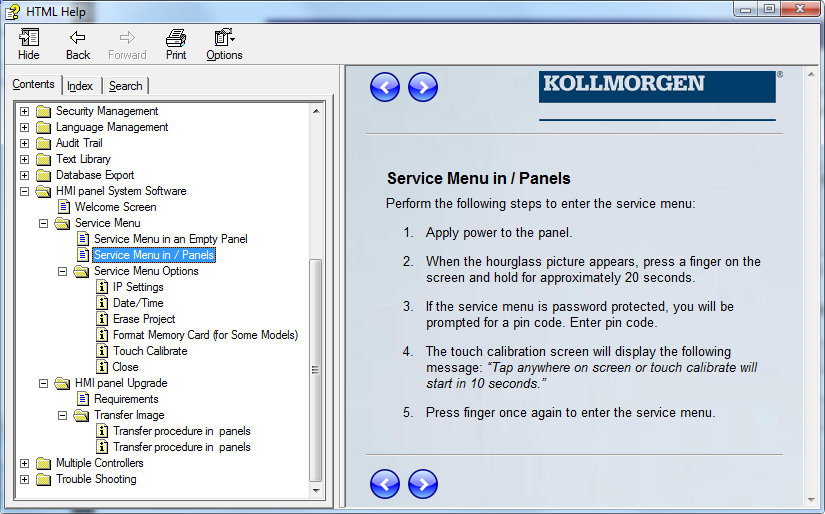
The new AKI-CDx-MOD-xxxx models do not have hardware switches. The service menu is accessible by pressing a finger on the on the screen for 20 sec during power-on, when the hourglass picture appears. For details, see the HTML help in the KVB software for more details: