Home >
 Knowledge Base >
 FAQs >
 Downloads >
Action Blocks Program Organizational Units in KAS
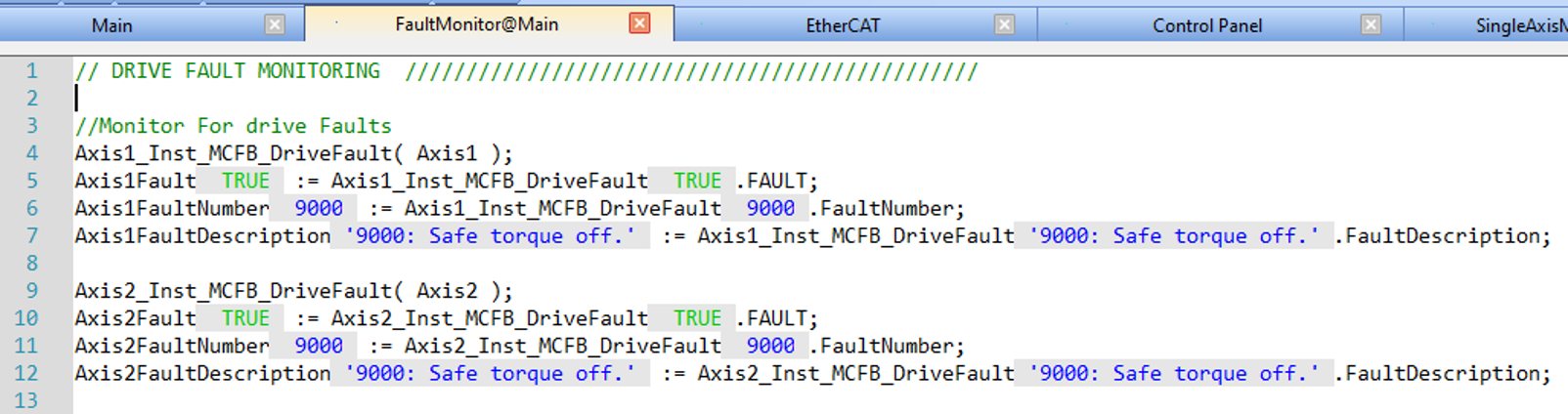
The attached Action Blocks PLCopen ST Template.kas project reorganizes the 2 Axis PLCopen Structured Text Template project using new Action Blocks feature included in the 5.00 release of the KAS IDE.
They are easier to call than subprograms since you do not have to pass them inputs and can automatically access all global variables and local variables to parent program.
Action Blocks are a new way to organize program code.
They are created by right-clicking a Program in the Project Explorer and selecting either Add Action Block or Import Action Block (shown in screenshot below).
The Action Block code can be:
- Structure Text (ST)
- Function Block Diagram (FBD)
- Instruction List (IL)
- Ladder Logic (FFLD)
They can only be called from a line in Structured Text code or the Action tab of a Sequential Function Chart step.

This sample project adds three Action Blocks to the Main program:
- FaultMonitor
- SingleAxisMoves
- MultiAxisMoves
They are called from lines 42, 82, and 87 in the Main ST program.
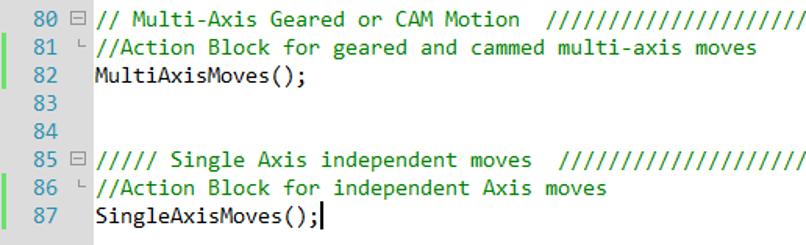
Code in Action Blocks animate identically to code in parent programs.