


Kollmorgen has simplified the design process with enhanced tools that make product configuration and system design more intuitive than ever. From saving and revisiting configurations to generating full part numbers and requesting quotes, our updated suite of tools empowers engineers to work smarter, not harder.
Now integrated across all our design tools, the new Kollmorgen Essentials™ motion system provides uncompromising performance and exceptional value, helping engineers achieve reliable results and greater efficiency across virtually any axes and application.
See what else is new and improved in our suite of design tools.
Performance Curve Generator
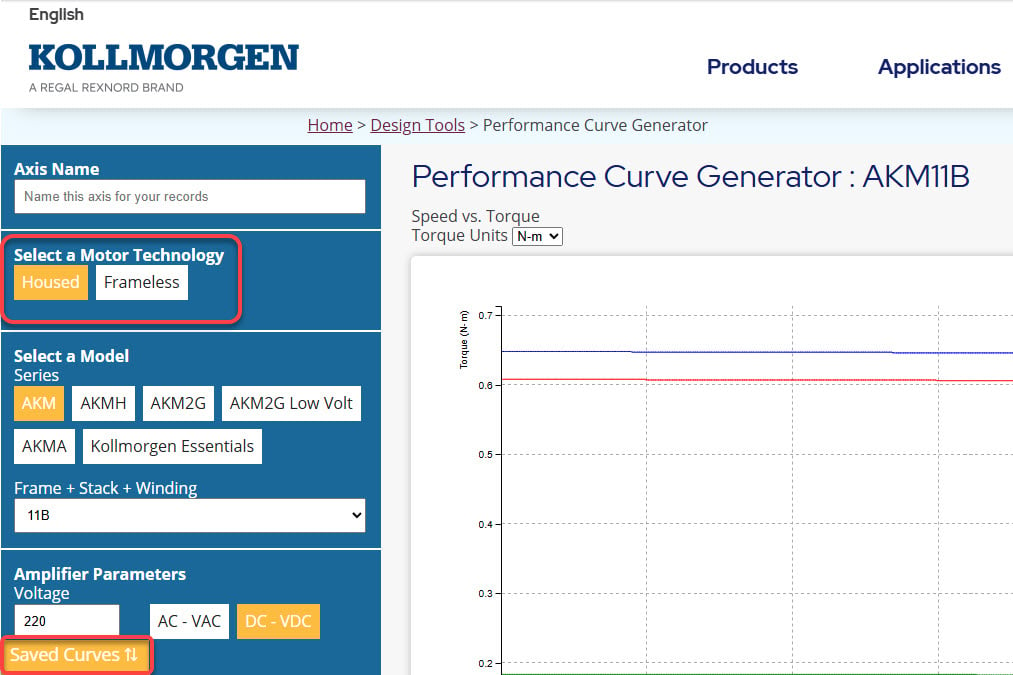
The housed and frameless performance curve generator tools have been combined into a single, streamlined tool, making it faster and easier to size both motor types in one place.
Key Enhancements:
- Create performance curves for both frameless and housed motors within the same tool.
- Save performance curves for both motor types to return to later without starting over.
- Receive an alert notification within the tool when requirements fall outside standard configurations and require a custom solution.
3D Models & Configuration
The 3D Models & Configuration tool now offers enhanced functionality to streamline your design process.
Key Enhancements:
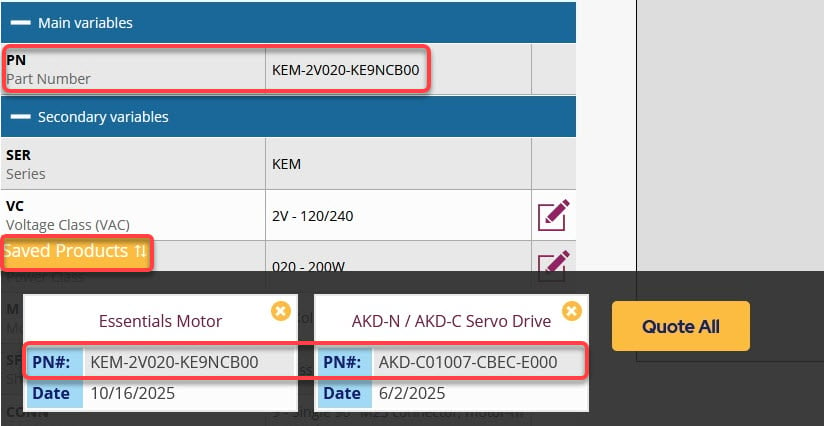
- Save up to 8 configured products for future design consideration using the new “Save for Quote” button.
- Submit a quote request for multiple saved products simultaneously with the “Quote All” option.
- Full part numbers are now available for many of our most popular motors and drives—with more added regularly.
Product Selector
The Product Selector has been optimized to provide a seamless and more intuitive user experience.
Key Enhancements:
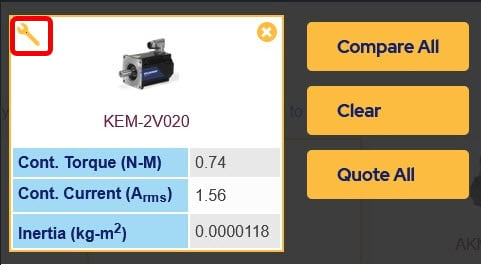
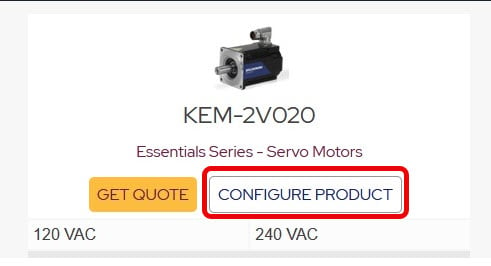
- Once a product is selected, use the partial part number to begin configuring a full part number by clicking the “wrench” icon (Image 1) or the “Configure Product” button (Image 2) to view and compare product details side-by-side.
- The configure link now connects the Product Selector tool with the 3D Models & Configuration tool, allowing users to transition between tools without starting over.
Motioneering
Motioneering has been upgraded to improve usability and guide users through the sizing process with ease.
Key Enhancements:
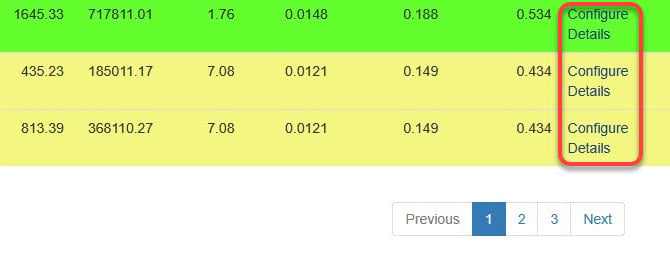
- Use the new “Configure” link to build a complete part number in the 3D Models & Configuration tool—starting from the partial part number in the Motioneering sizing results—without restarting your workflow (Image 1).
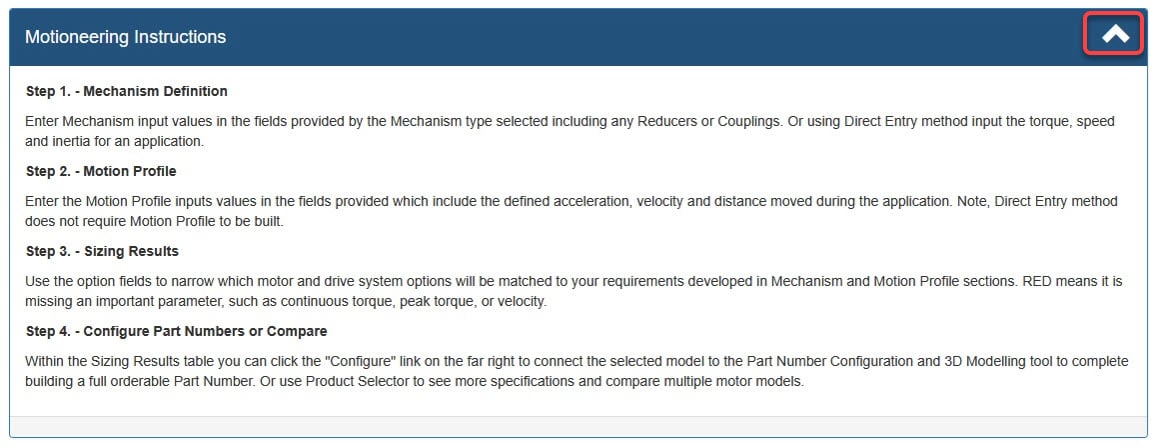
- Additional instructions have been added to help new users navigate the sizing process. Simply click the carrot icon in the top-right corner of the “Motioneering Instructions” section to access the new guidance (Image 2).
Ready to Design? Kollmorgen is your engineering partner. Helping you choose the right motion solution and incorporate it successfully into your design. Whether it is sizing an application, generating a performance curve, selecting a product or needing a 3D drawing, our online design tools will help you get started.
Got a Tough Motion or Automation Challenge? Get Expert Help. Kollmorgen is more than a motion supplier. We’re a partner for your success. Our co-engineering experts will work with you to tailor a perfect-fit solution for your motion requirements.